
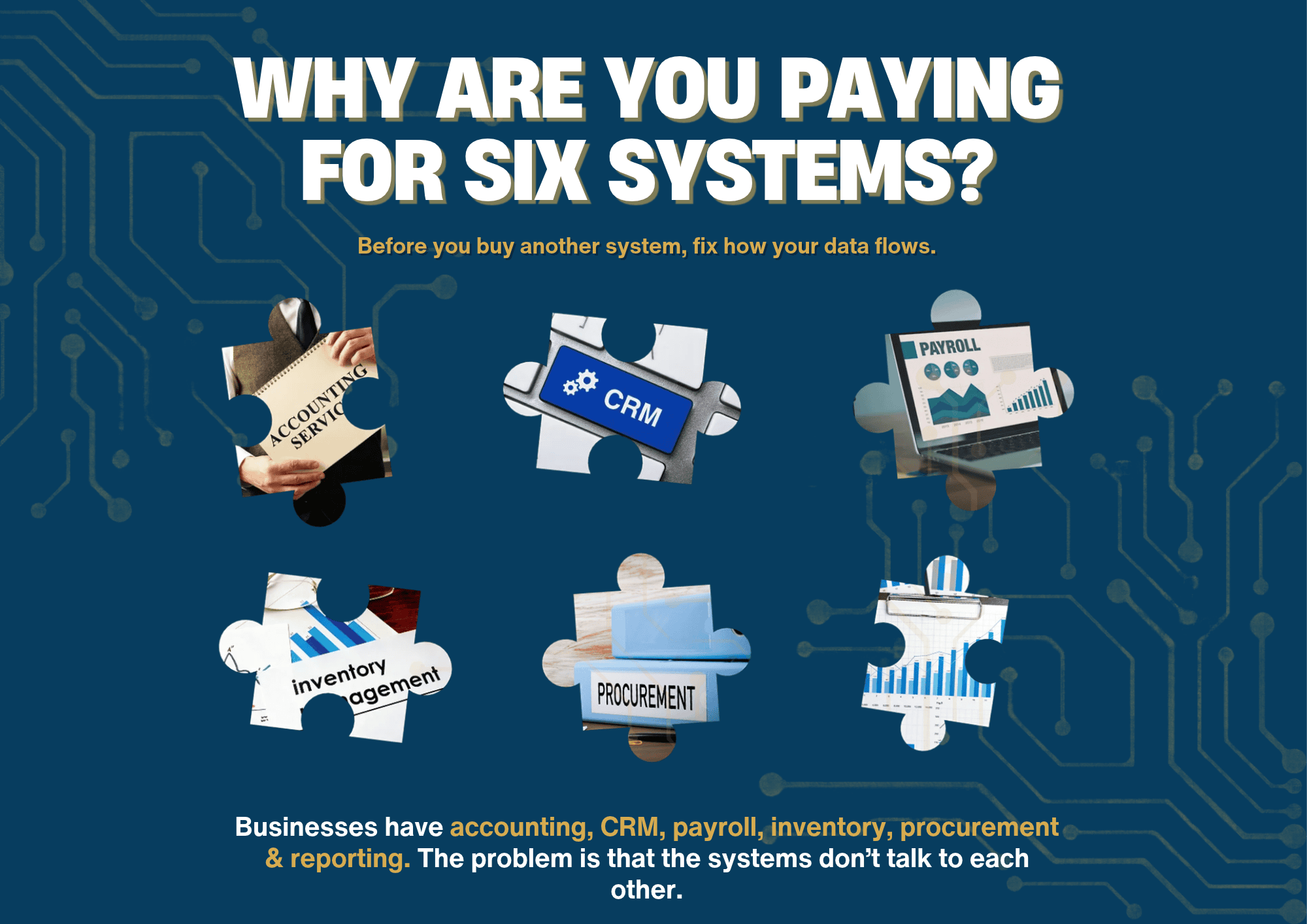
Most established businesses don’t have a software shortage. Accounting, CRM, payroll, inventory, procurement, reporting: the systems are usually all there. The problem is that they don’t talk to each other.
For a business turning over R10m or more, the real cost of disconnected systems is the time spent between them. Staff export, reformat and reconcile data that should flow on its own, which adds delays and creates room for error. Management ends up working from numbers that depend on a spreadsheet only one person understands.
And every new system added without a plan makes the problem a little bigger.
What it looks like in practice
- Two systems both claim to own the same data. For customers, suppliers, products, employees and the chart of accounts, there should be one answer to “which system is right?” If there are two, you have a data problem.
- Information gets re-captured or exported by hand. List every export, re-capture and upload between systems, and estimate how many hours they take each month. The total is usually a surprise.
- Some reconciliations only exist because systems disagree. Each one points to a break in the data flow that someone is fixing by hand.
- You’re paying twice for the same thing. Check licences across departments for tools that overlap, and for modules nobody uses.
- Management reports still live in offline spreadsheets. Note which reports are built by hand in Excel, and who maintains them. If the answer is “Thabo, and only Thabo”, that’s worth knowing.
More software is rarely the answer
Breaks between systems usually come from one of six causes. Each needs a different fix, and buying another application only solves the last one.
| Cause | What it looks like | Usual fix |
| Process design | Steps happen in the wrong order or nobody owns them | Redesign and agree the process |
| System set-up | The system can do it, but isn’t configured to | Reconfigure what you already have |
| Missing integration | Two systems that should connect, don’t | Build or switch on the connection |
| Poor master data | Duplicate or inconsistent customer, supplier or product records | Clean up and assign one owner |
| Reporting design | Reports pull from the wrong place or need manual rework | Rebuild reports on controlled data |
| A real gap in the system | It genuinely can’t do what you need | Only now, consider new software |
How to fix it
- Map your systems and data. Show where each key set of data starts and where it travels.
- Mark every manual step. Every export, re-capture, spreadsheet fix, upload and reconciliation.
- Work out the cause of each break, using the six causes above.
- Fix the real cause first. Integrations and clean master data cost far less than a new platform. And a new platform without them will simply recreate the same breaks somewhere else.
- Design the flow you want, where data is captured once, checked at source and reused everywhere after that.
What good looks like
Data is captured once, where it starts, and reused by every system that needs it. Each key set of data has one owner and one source of truth.
Spreadsheets still exist, but as tools for analysis, not as the glue holding your systems together. Month-end reporting draws straight from controlled data, so the numbers match no matter who prepared them.
Start with a quick test, then a map
The test: take your monthly management report and trace one key number, like revenue or gross margin, back to where it came from. Note every system, export and spreadsheet it passed through, and who touched it. If the trail has more than one manual step, that’s where to start.
The map: a good system and data map captures:
- Each system and what it’s used for
- The data each system owns, such as customers, suppliers, products, employees and the chart of accounts
- Every connection or export between systems, how often it runs and how
- Every manual step, and who does it
- The named owner of each set of data and each management report
Keep it to one page if you can. Gaps and overlaps are much easier to spot when the whole picture is in front of you.
Common mistakes
- Adding a new application to solve one department’s problem without checking how it connects to everything else.
- Letting each department keep its own list of customers, suppliers or products.
- Treating integration as a once-off project, instead of something that needs an owner and a regular review.
- Judging a system by its features rather than by how well it shares data with the others. The shiniest demo isn’t always the best fit.
The South African compliance angle
When personal information sits across several systems, and in spreadsheets emailed back and forth, there are more places to secure and more places for something to go wrong.
| Requirement | What it says |
| POPIA, section 19 | A responsible party must secure the integrity and confidentiality of personal information in its possession or control, using appropriate, reasonable technical and organisational measures |
| POPIA, section 22 | The Information Regulator and the affected people must be notified of a security compromise as soon as reasonably possible |
| Tax Administration Act, section 29 | Supporting records must be kept for at least five years after the return or other data is submitted |
Data scattered across unmanaged spreadsheets makes all three harder, and turns a routine SARS request into a treasure hunt.
Frequently asked questions
How many systems is too many? There’s no magic number. The test is whether each system has a clear purpose, a clear data owner and a reliable link to the others. Six well-connected systems can work better than three that don’t talk to each other.
Should we buy one integrated ERP or connect specialist tools? Both can work. An all-in-one platform means less integration work but may not suit every part of the business. Connecting specialist tools gives you better features, but needs proper integration and someone to look after it. The right answer depends on your complexity, budget and in-house skills, which is why you should agree the target process first.
Where do we start? With the quick test above, then a system and data map. That picture usually makes the priorities obvious.
Talk to us
PGCO can help you map your systems and data flows, and show you which breaks to fix before you spend on new software.
Sources: Protection of Personal Information Act 4 of 2013, sections 19 and 22, as applied in Information Regulator enforcement notices; Tax Administration Act 28 of 2011, section 29.
The PGCO Team